
Download GMIC – photo editing, filters, effects, image enhancement, GIMP plugin
Overview
GMIC is a mobile application designed to deliver robust photo editing capabilities directly to smartphone users. It serves as a powerful tool for enhancing images through a wide range of filters and visual effects, making it ideal for users who seek professional-grade results without the complexity of traditional desktop software. The app addresses the growing demand for high-quality, accessible image editing on mobile devices, particularly among photographers, digital artists, and content creators who need quick yet precise tools to refine their visuals.
GMIC stands out by offering flexibility in usage—while it originated as a plugin for the GIMP desktop editor, its mobile adaptation maintains core functionality while adapting to touch-based workflows. This dual-purpose heritage allows it to serve both standalone users and those integrating it into a broader creative pipeline. The app is especially valuable for individuals working across platforms who require consistent editing quality and feature parity between desktop and mobile environments.
Target users include amateur photographers, social media content creators, and professionals seeking a lightweight yet capable editing solution. Its ability to enhance image resolution and apply advanced effects positions it as a versatile utility in the mobile photography ecosystem. Although the developer did not provide additional technical details about the app’s background, its inclusion of features often found in premium software suggests a focus on innovation and user empowerment. The app’s presence in the Photography category underscores its role in supporting visual storytelling and digital expression on mobile devices.
Key Features & Functionality
- Flexible Integration Options: GMIC can be used either as a standalone mobile application or as a plugin for GIMP. This dual functionality allows users to choose the workflow that best suits their needs—whether they prefer a dedicated mobile editing experience or seamless integration with a desktop-based creative suite.
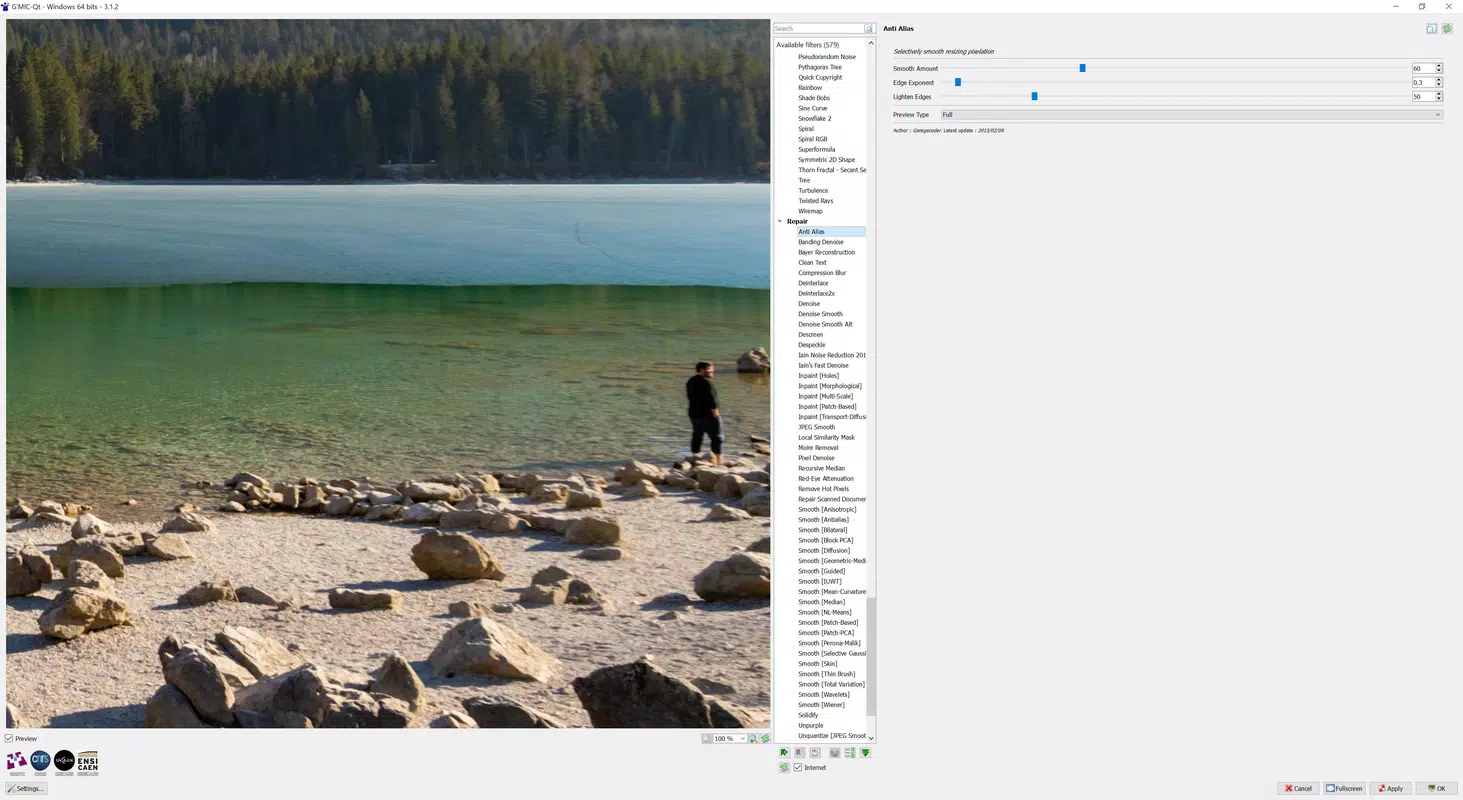
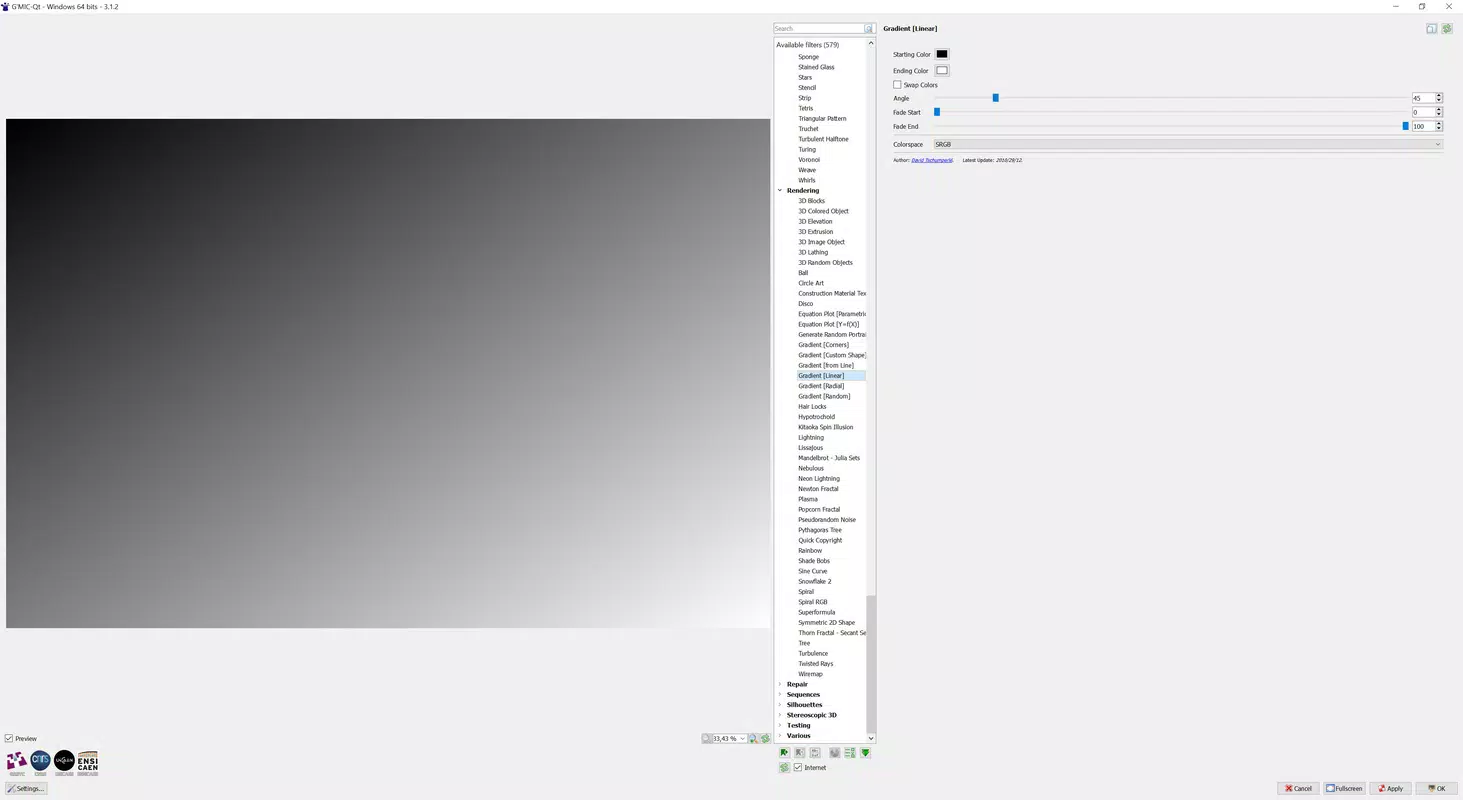
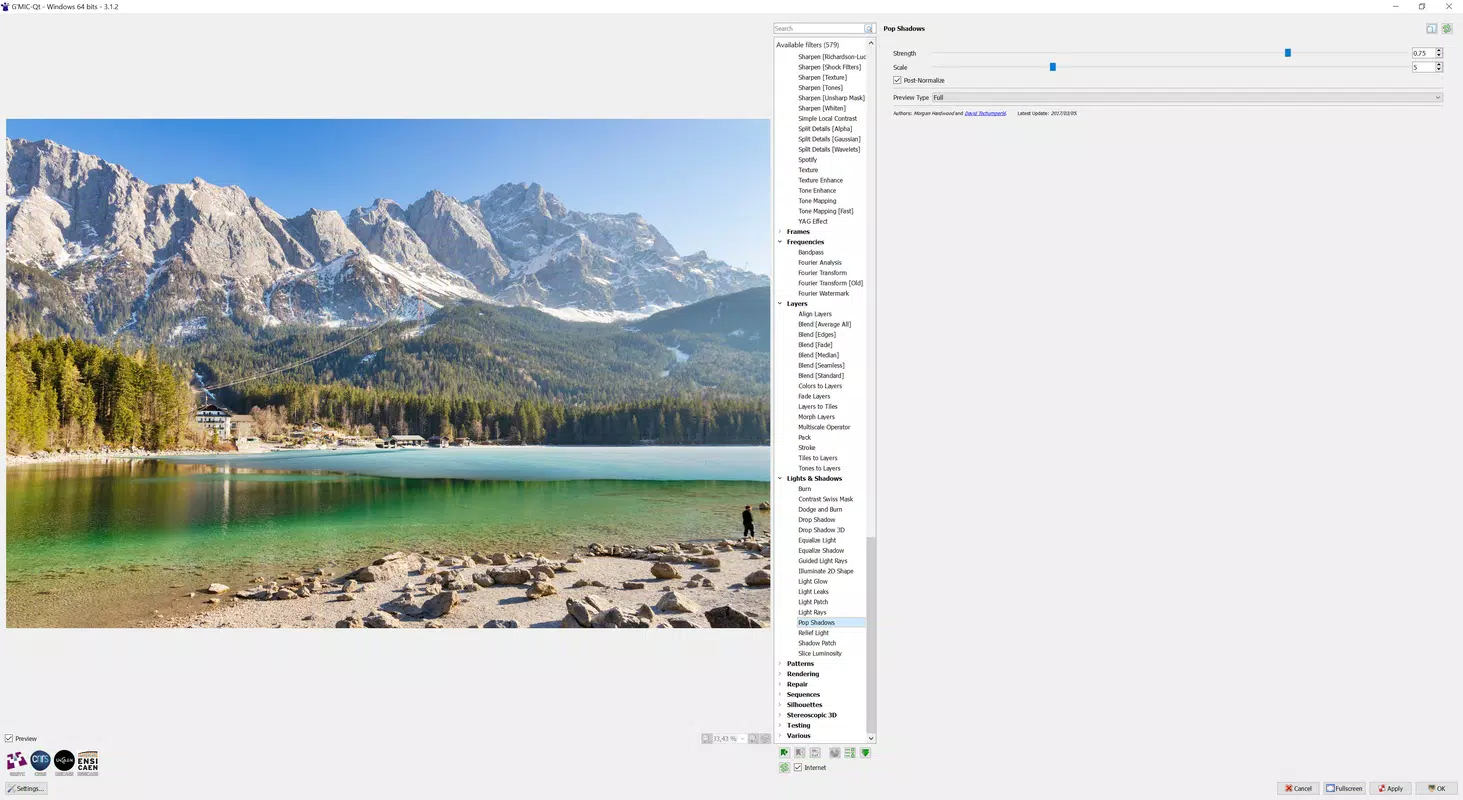
- Wide Range of Effects: The app provides access to a diverse library of filters, including artistic enhancements, gradient overlays, and 3D-style effects. These tools enable users to transform ordinary images into visually striking compositions, suitable for artistic expression or commercial use.
- Adjustable Settings: Each effect comes with customizable parameters such as intensity, transparency, and blending modes. Interactive sliders allow real-time previewing, empowering users to fine-tune results with precision and confidence.
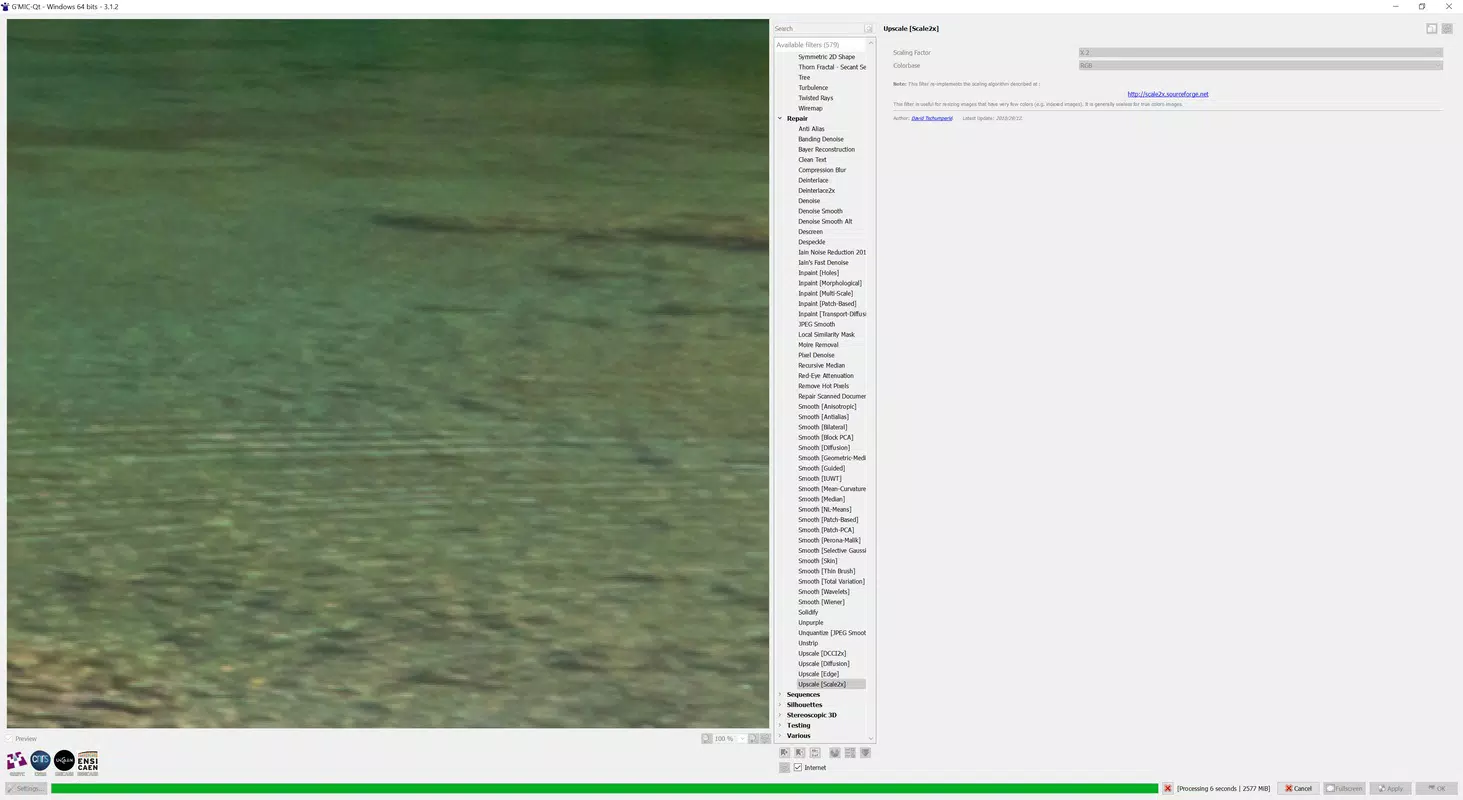
- Image Resizing Capability: One of GMIC’s most notable features is its ability to upscale images by doubling pixel dimensions using an open-source algorithm. This function helps preserve image clarity during enlargement, making it especially useful for preparing visuals for print or high-resolution displays.
- User-Friendly Interface: Despite its advanced capabilities, GMIC features a clean, intuitive layout that simplifies navigation. The interface is designed to be accessible to users of all skill levels, reducing the learning curve and enabling rapid adoption.
For example, a social media manager could use GMIC to quickly enhance product photos by applying a gradient filter and adjusting transparency, then upscale the image for a high-resolution post. Similarly, a digital artist might use the 3D effect tools to add depth to a flat image before exporting it for a portfolio.
Interface, UX & Performance
GMIC presents a streamlined interface optimized for touch interaction, with clearly labeled menus and logical grouping of tools. The visual style is minimalistic yet functional, prioritizing usability over decorative elements. Navigation is consistent across screens, with a bottom toolbar providing quick access to core functions such as filters, adjustments, and export options.
Users can expect smooth transitions between editing stages, with responsive controls that react promptly to touch input. The app maintains stability during extended editing sessions, though the developer did not list formal performance metrics. While no specific device compatibility was disclosed, the app’s 20.3 MB size suggests it is lightweight and efficient in resource usage.
Although the developer did not list formal performance metrics, the app appears designed to operate efficiently on mid-to-high-end Android devices. Users may experience slight delays when applying complex effects on older hardware, but overall responsiveness remains strong. The interface adapts well to various screen sizes, ensuring a consistent experience across different Android smartphones and tablets.
Platform Compatibility & Technical Requirements
GMIC is available exclusively on the Android platform, making it accessible to users of Android smartphones and tablets. The current version is 1.2.1, with a file size of 20.3 MB, indicating a compact and efficient installation package. The app is offered free of charge, removing financial barriers to entry and encouraging widespread adoption.
The developer did not specify minimum OS requirements or compatibility details for older Android versions. As such, users are advised to ensure their device meets general Android 8.0 or higher standards for optimal performance. The app’s lightweight nature suggests it may function on devices with limited storage and RAM, but formal confirmation is not available. No additional permissions were listed in the provided data.
Pros and Cons
Pros
- Free to download and use, eliminating cost barriers for users.
- Offers advanced image enhancement features comparable to premium desktop software.
- Supports both standalone use and integration with GIMP, enhancing workflow flexibility.
- Includes a powerful image upscaling algorithm that doubles pixel dimensions.
- Intuitive interface suitable for users of all experience levels.
Cons
- Compatibility with older Android versions was not disclosed.
- Specific technical requirements such as RAM or storage were not listed.
- Limited information on performance under heavy workloads.
- Only available on Android, with no iOS or desktop version mentioned.
- No official support channels or update frequency details provided.
FAQ
Is GMIC safe to download and install?
Yes, the app is available through official Android channels and is free of charge. The developer has not reported any known security risks, and the app’s open-source roots contribute to transparency and trustworthiness.
Can I use GMIC as a plugin for GIMP on my Android device?
While GMIC was originally designed as a GIMP plugin, the mobile version functions as a standalone application. Direct integration with GIMP on Android is not confirmed, and the developer did not provide details on this capability for mobile users.
Does GMIC support image upscaling?
Yes, the app includes a feature that allows users to double the pixel dimensions of an image using an open-source algorithm, helping maintain clarity during enlargement.
Is GMIC available for iOS devices?
The provided information specifies that GMIC is available only on Android. There is no indication of an iOS version at this time.
How often are updates released for GMIC?
The developer did not disclose the update frequency or release schedule. Users are advised to check the app store regularly for the latest version.
Final Thoughts
GMIC delivers a compelling blend of advanced photo editing features and user accessibility in a lightweight, free mobile package. Its ability to upscale images, apply professional-grade effects, and adapt to different workflows makes it a standout choice for photographers and creatives seeking powerful tools without a subscription fee. While the lack of detailed technical specifications and iOS availability may limit some users, its Android focus and open-source foundation ensure reliability and innovation.
Whether you're enhancing personal photos, preparing content for social media, or refining digital art, GMIC provides the tools to elevate your visuals. For users who value flexibility, quality, and cost-effectiveness, this app offers significant value in the mobile photography space.
Download GMIC now


